Social Home
Pricing
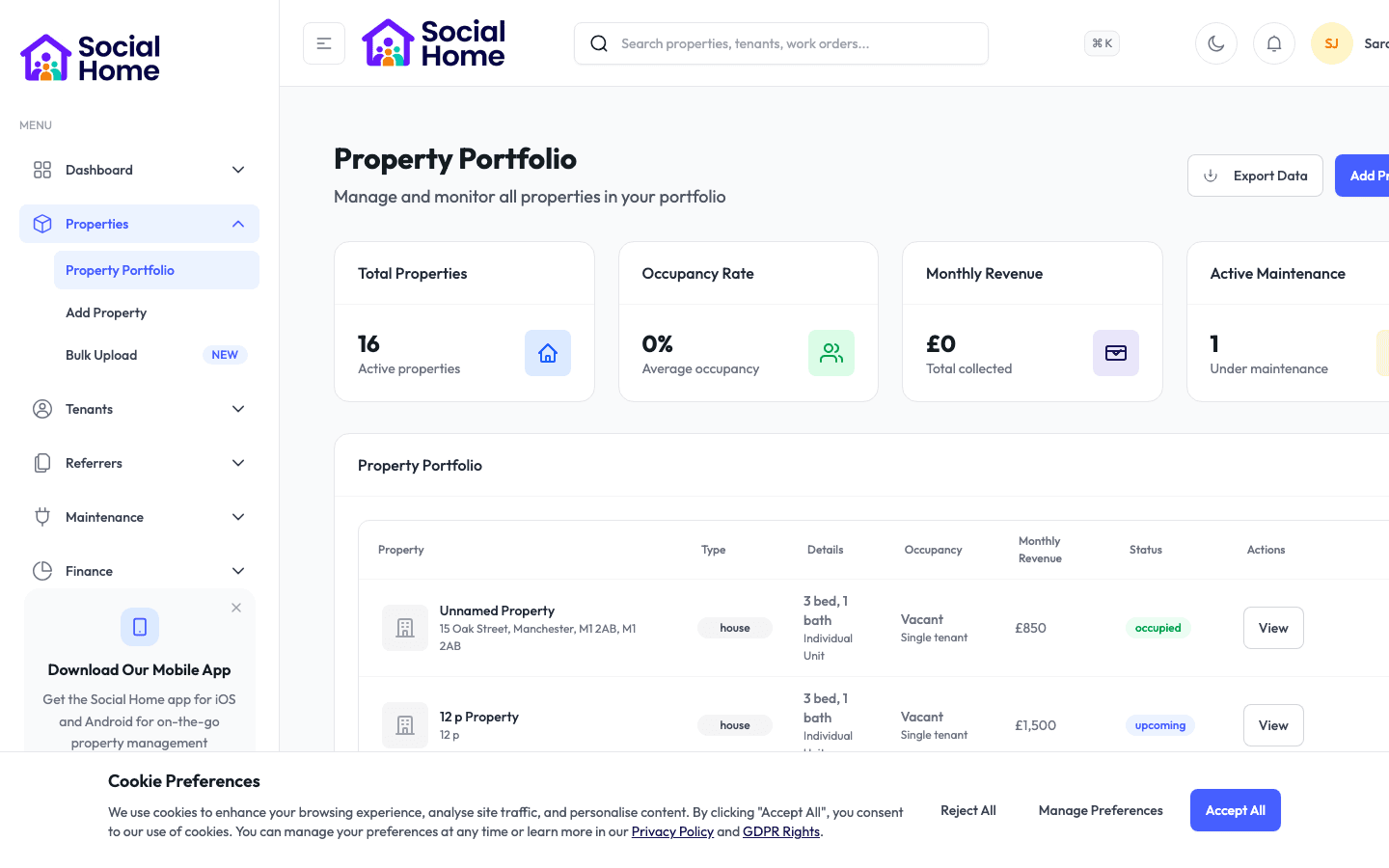
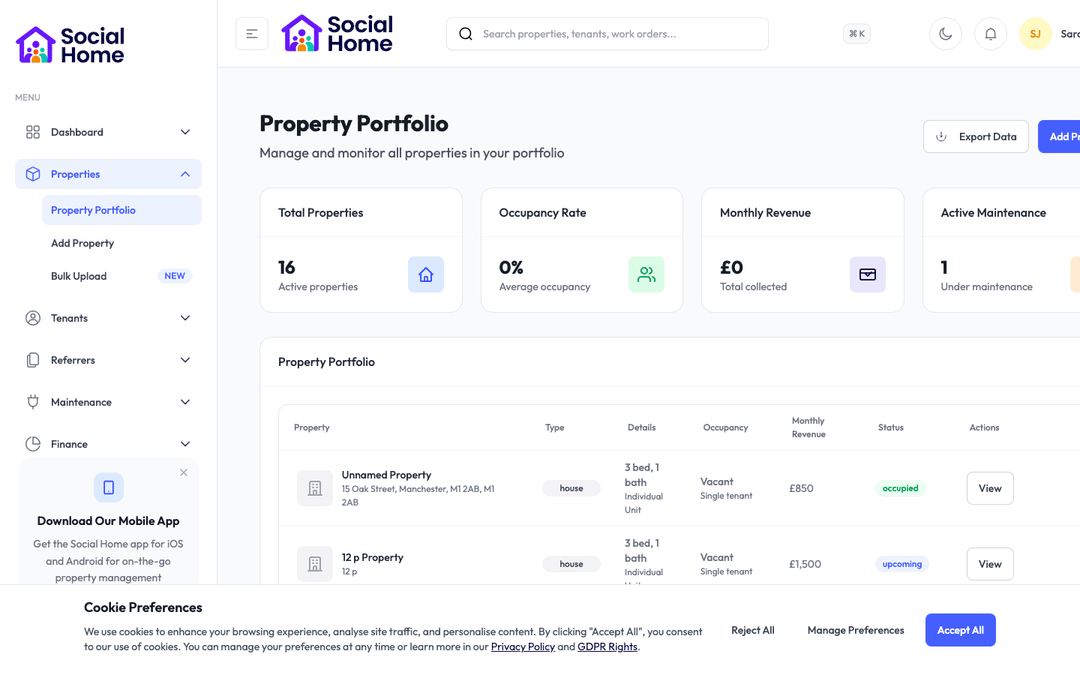
Property portfolio view with occupancy insights

Operations & lettings teams

Give the right people access at the right time, automatically

Issue and revoke smart-lock codes for guests, tenants, and contractors without ever handing over a key.

Keys get lost, copied, and never returned, and meeting someone on site just to let them in wastes hours. Social Home connects to smart locks so access becomes a few clicks instead of a journey. A short-let guest gets a unique code that works only for their stay and expires at checkout. A contractor gets a code valid for their appointment window and no longer. A new tenant gets access from the day their tenancy starts. Every code is logged, so you always know who could enter and when, and you can revoke access instantly if plans change. For HMOs and shared entrances, room codes and the main door stay in step. It is keyless, auditable access that scales across a whole portfolio without a single physical handover.

See this feature in actionCompare alternatives
Zero key handovers

Why teams invest

  • • Eliminate physical key handovers
  • • Grant time-limited, auto-expiring access
  • • Keep a full audit trail of every entry

Available on all devices

Access from your computer: full

Use on your mobile device: partial

Your team can work seamlessly whether they're in the office or out in the field. Everything stays in sync automatically, so you always have the latest information at your fingertips.

Pain point

Physical keys do not scale

Meeting guests and contractors to hand over keys, then chasing them back, costs hours per let. Lost or copied keys are a security risk you cannot fully control.

  • • No more trips to site just to let someone in
  • • No lost, copied, or unreturned keys to worry about
  • • Access granted in seconds from your dashboard
  • • Scale to a whole portfolio without key logistics

Pain point

You cannot control when access is valid

A handed-over key works forever. A contractor who only needed an hour can return any time, and you have no record of who entered when.

  • • Time-limited codes valid only for the booking or appointment
  • • Codes expire automatically when they should
  • • Revoke access instantly if plans change
  • • A full log of which code could enter and when

Pain point

Shared entrances get out of sync

In HMOs and blocks, a room code is useless if the main door code is wrong. Keeping shared and individual access aligned by hand is fiddly and error-prone.

  • • Room and shared-entrance access kept in step
  • • Per-door roles for main doors, rooms, and communal areas
  • • Guests and tenants get one set of working codes
  • • No more lockouts from mismatched codes

Key capabilities

What you'll love about this feature

Codes that match the stay or the job

Issue a unique code scoped exactly to a guest's stay, a tenancy, or a contractor's appointment. It works when it should and stops working the moment it should not.

  • • Guest codes valid from check-in to checkout
  • • Contractor codes valid only for the appointment window
  • • Tenant codes active for the life of the tenancy
  • • Automatic expiry with no manual cleanup

Self check-in that guests love

Short-let guests receive their access code and arrival instructions automatically, so they let themselves in smoothly, even at 1am, with no one needing to meet them.

  • • Access codes sent with check-in instructions
  • • Smooth, contactless arrivals at any hour
  • • Fewer 'I cannot get in' calls
  • • A premium first impression, every time

Every entry accounted for

Because every code is issued and logged through Social Home, you always have a clear record of who had access to which property and when, and you can revoke it instantly.

  • • Full audit trail of issued and active codes
  • • Instant revocation when circumstances change
  • • Greater security across the whole portfolio
  • • Peace of mind for owners and tenants alike

Time-saving benefits

Access that issues and expires itself

Tie access to the booking or tenancy and Social Home handles the rest, generating codes when access should begin, sending them to the right person, and revoking them automatically when the stay or job ends.

  • • Codes generate automatically when a booking is confirmed
  • • Guests and contractors receive codes without manual sending
  • • Access expires on schedule with no cleanup needed
  • • Room and main-door codes stay synchronised

Real-world scenarios

See how this works in practice

Scenario: A contractor needs an hour's access

You book a plumber for a Tuesday morning repair. Social Home issues a code valid only for that window and sends it to them. They let themselves in, do the job, and the code stops working, no one had to drive over with a key, and no key is left in the wrong hands.

  • • No site visit just to grant access
  • • Access strictly limited to the appointment
  • • A clear record that the contractor entered

Scenario: A guest arrives late at night

A short-let guest lands at midnight. Their unique code and arrival instructions were sent automatically that afternoon, so they walk straight in. At checkout the code expires on its own, ready for the next guest's fresh code.

  • • Contactless arrival at any hour
  • • No staff needed for late check-ins
  • • Automatic turnover between guests

See it in action

Real screenshots from Social Home

These screenshots show exactly what you'll see when you use this feature. Every detail is designed to make your work easier and more efficient.

Property portfolio view with occupancy insights
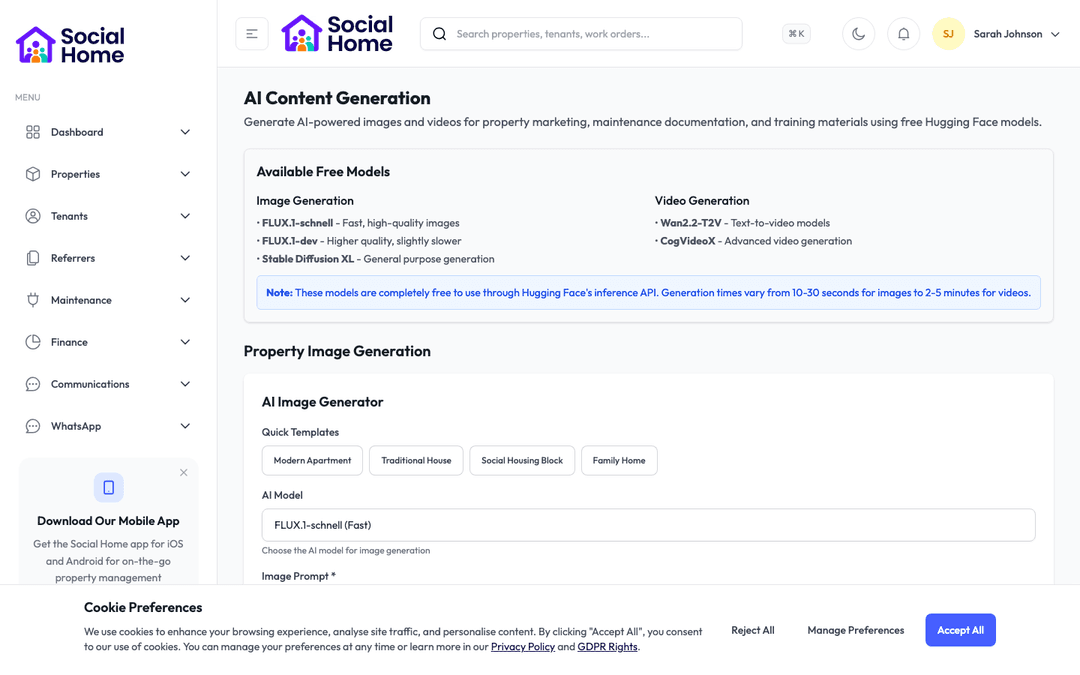
Integration insights dashboard with recommended actions
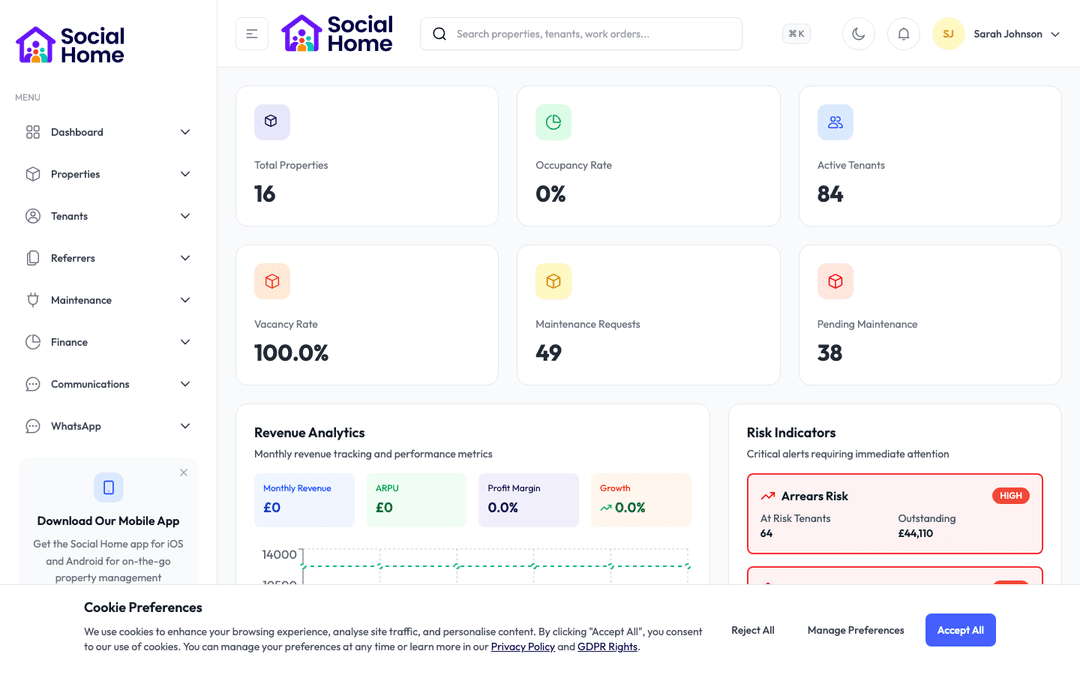
Admin dashboard overview with KPIs and alerts

Customer perspective

“We stopped doing key handovers entirely. Guests check themselves in, contractors get an hour of access and no more, and I can see exactly who could enter each property. It saved us a part-time role's worth of running around.”

Daniel Okoro — Operations Manager

FAQs

Everything teams ask before they sign

Which smart locks does Social Home work with?

Social Home integrates with smart-lock systems so you can issue and revoke codes directly from your dashboard. Access is tied to bookings, tenancies, or appointments, and for HMOs and blocks the room codes and shared-entrance codes are kept in step so guests and tenants always have a working set.

Can access codes expire automatically?

Yes, and that is the point. A guest's code is valid only for their stay, a contractor's only for their appointment window, and a tenant's for the life of the tenancy. Codes activate and expire on schedule, and you can revoke any code instantly if plans change.

Do I get a record of who had access?

Every code issued through Social Home is logged, so you always have an audit trail of which codes were active for which property and when. That gives you real security and accountability across the whole portfolio, without managing a drawer full of keys.

How quickly can we get started?

Most teams are up and running within a week. We provide comprehensive onboarding support, including training sessions for your team, data migration assistance, and dedicated support to ensure a smooth transition. You can start using the platform immediately while we help you import your existing data.

What training and support do you provide?

We offer comprehensive training for all team members, including live training sessions, video tutorials, and detailed documentation. Our support team is available via email, phone, and in-app chat. Plus, you'll have access to our knowledge base with step-by-step guides for every feature.

Back to all features →Short-Let ManagementAI Guest ConciergeContractor Management

Ready to Transform Your Smart Locks & Access?

See how smart locks & access can transform your operations and help you serve your tenants better. Get started with the Social Home platform today.

Book a Free DemoTalk to SalesSee Pricing

See the workflow, discuss your setup, and choose the right plan for your team

Social HomeSocial Home

Making property management simple and accessible for everyone. Find your perfect home or manage your properties with ease.

Stay Updated

Prefer to explore on your own? Browse the platform features →

Rental Services

  • Find rentals
  • Pricing
  • Jobs
  • Contact

Resources & Guides

  • Blog
  • Resources
  • Social Housing Software
  • HMO Compliance Software
  • Exempt Accommodation
  • Supported Housing Software
  • Planning Permissions
  • BRR Calculator
  • Compare Solutions
  • Tenant Portal
  • Landlord Energy
  • Planning Search

Platform Features

  • Feature overview
  • Property management
  • Tenant management
  • Maintenance & repairs
  • Compliance & safeguarding
  • AI insights & automation
  • Mobile workforce app
  • Mobile App
  • Manage Properties
  • Council Partners
  • Success Stories

Terms & Privacy

  • Trust & Safety
  • Terms of Service
  • Privacy Policy
  • GDPR Rights
  • Disclaimer
  • Subscription Terms
  • Request account deletion
  • Social Housing Providers
  • Supported Living
  • Find Work
  • AI Transparency

Get the Social Home app

Download on the App StoreDownload on the App StoreGet it on Google Play

Google Play and the Google Play logo are trademarks of Google LLC.

© 2026 Social Home. All rights reserved.

InstagramLinkedIn
Built by Veya