Social Home
Pricing
Loading resource guidance…
Social HomeSocial Home

Making property management simple and accessible for everyone. Find your perfect home or manage your properties with ease.

Stay Updated

Prefer to explore on your own? Browse the platform features →

Rental Services

  • Find rentals
  • Pricing
  • Jobs
  • Contact

Resources & Guides

  • Blog
  • Resources
  • Social Housing Software
  • HMO Compliance Software
  • Exempt Accommodation
  • Supported Housing Software
  • Planning Permissions
  • BRR Calculator
  • Compare Solutions
  • Tenant Portal
  • Landlord Energy
  • Planning Search

Platform Features

  • Feature overview
  • Property management
  • Tenant management
  • Maintenance & repairs
  • Compliance & safeguarding
  • AI insights & automation
  • Mobile workforce app
  • Mobile App
  • Manage Properties
  • Council Partners
  • Success Stories

Terms & Privacy

  • Trust & Safety
  • Terms of Service
  • Privacy Policy
  • GDPR Rights
  • Disclaimer
  • Subscription Terms
  • Request account deletion
  • Social Housing Providers
  • Supported Living
  • Find Work
  • AI Transparency

Get the Social Home app

Download on the App StoreDownload on the App StoreGet it on Google Play

Google Play and the Google Play logo are trademarks of Google LLC.

© 2026 Social Home. All rights reserved.

InstagramLinkedIn
Built by Veya
Social Home
Pricing
  1. Home
  2. /
  3. Resources
  4. /
  5. Content operations
  6. /
  7. Data Import Guide (CSV/Excel)

Content operations

Data Import Guide (CSV/Excel)

Comprehensive instructions for mapping, validation, and verification when importing data from any platform.

8 min read
Intermediate

Description

An end-to-end resource for teams migrating from legacy systems or CRMs.

Step-by-step Instructions

  1. Template preparation

    Match your source data to our templates and check column naming and formats.

  2. Field mapping

    Use the mapping UI to align source columns to target fields; apply transforms if needed.

  3. Validation & dry-run

    Run a validation to surface issues without writing data. Fix, then proceed to live import.

  4. Verification

    Use post-import checks and reports to verify record counts, relationships, and duplicates.

Accessibility Notes

  • •Sections have clear headings and summary lines
  • •Tables and lists include proper semantics

Frequently Asked Questions

Which file formats are supported?

CSV and Excel are fully supported. UTF‑8 encoding is recommended for CSV files.

Can I run a dry-run without writing data?

Yes. Use validation-only mode to generate a report before committing changes.

Helpfulness

Related guides

  • Bulk Upload Readiness Checklist

    Confirm your environment and prerequisites to ensure a smooth, error-free import before migrating your data.

  • Bulk Upload Quick Start

    Import your data in minutes using the fastest path: template → map → upload → review.

  • Bulk Upload User Guide (Advanced)

    Detailed walkthrough of advanced mappings, deduplication rules, error categories, and retries.
Comments and questions

Put this guidance to work

Turn the reading into a useful next step

Use a related tool to test the implications, then connect the action to the workflow that keeps it visible.

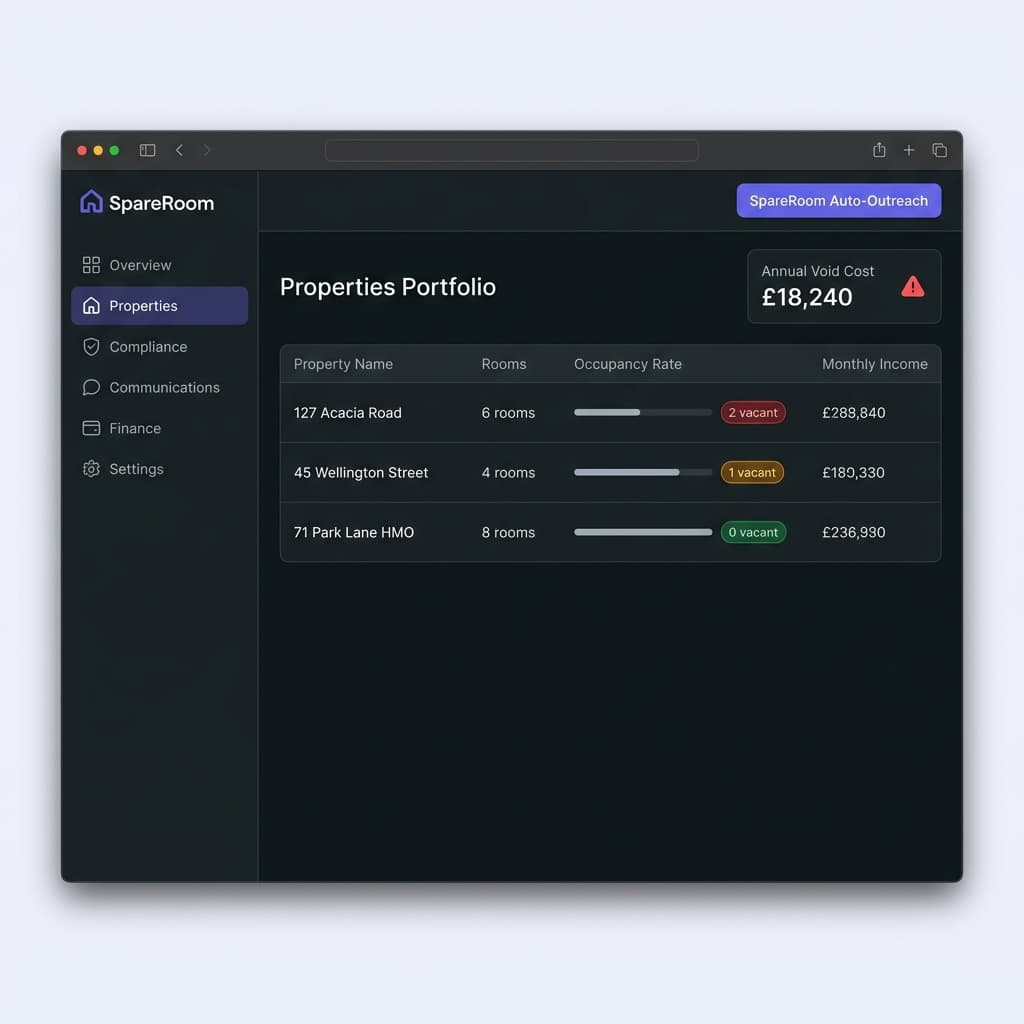
Void Period Cost Calculator

See how lost rent and fixed costs accumulate while a room or property is empty.

Calculate void costs

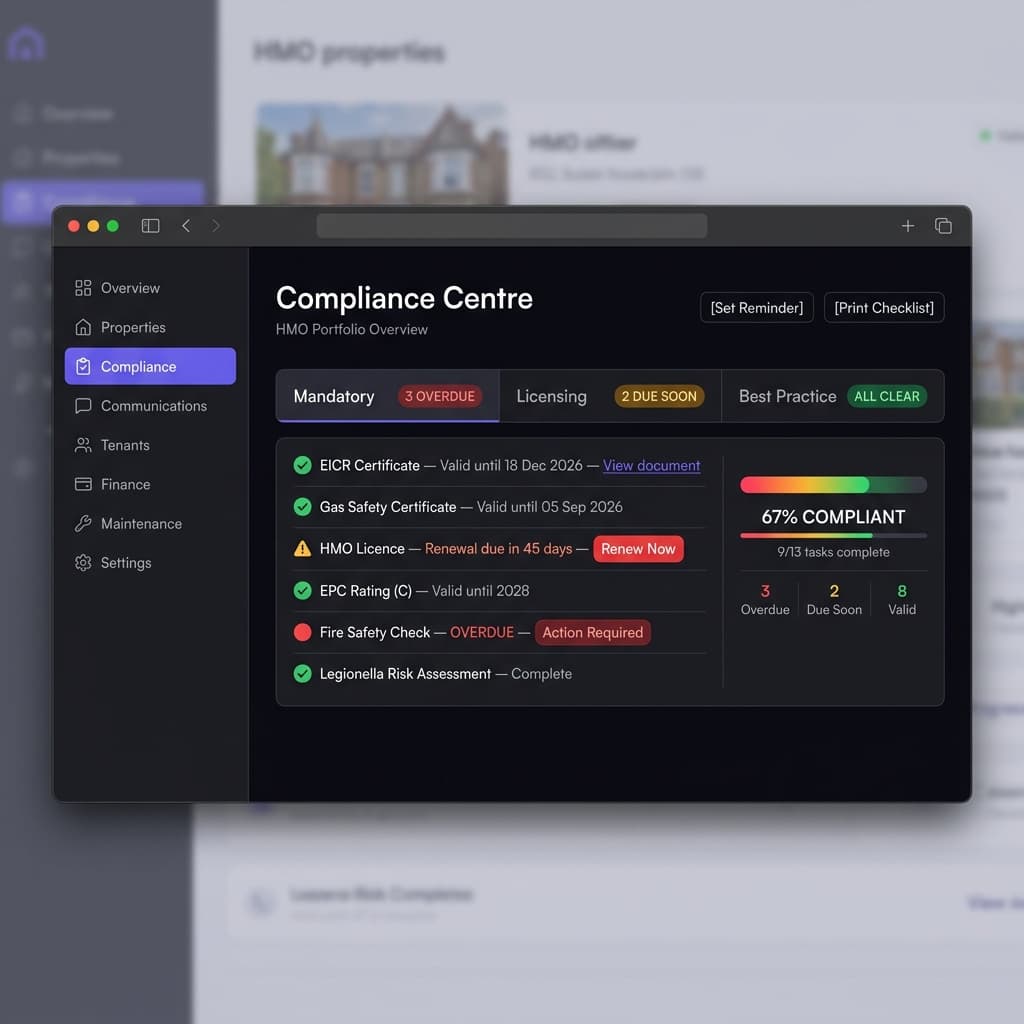
HMO Compliance Checklist

Build a property-specific checklist covering mandatory, licensing and good-practice actions.

Build a checklist

“Data Import Guide (CSV/Excel)” is practical guidance, not legal or financial advice. Review time-sensitive requirements against authoritative sources before acting. The guide summary and review information remain available above.

Social HomeSocial Home

Making property management simple and accessible for everyone. Find your perfect home or manage your properties with ease.

Stay Updated

Prefer to explore on your own? Browse the platform features →

Rental Services

  • Find rentals
  • Pricing
  • Jobs
  • Contact

Resources & Guides

  • Blog
  • Resources
  • Social Housing Software
  • HMO Compliance Software
  • Exempt Accommodation
  • Supported Housing Software
  • Planning Permissions
  • BRR Calculator
  • Compare Solutions
  • Tenant Portal
  • Landlord Energy
  • Planning Search

Platform Features

  • Feature overview
  • Property management
  • Tenant management
  • Maintenance & repairs
  • Compliance & safeguarding
  • AI insights & automation
  • Mobile workforce app
  • Mobile App
  • Manage Properties
  • Council Partners
  • Success Stories

Terms & Privacy

  • Trust & Safety
  • Terms of Service
  • Privacy Policy
  • GDPR Rights
  • Disclaimer
  • Subscription Terms
  • Request account deletion
  • Social Housing Providers
  • Supported Living
  • Find Work
  • AI Transparency

Get the Social Home app

Download on the App StoreDownload on the App StoreGet it on Google Play

Google Play and the Google Play logo are trademarks of Google LLC.

© 2026 Social Home. All rights reserved.

InstagramLinkedIn
Built by Veya